Featured

Softwares you Need to Know to Become a Complete Graphic Designer

To be Honest you don’t require any software to become a Graphic Designer but for better efficiency and execution you would require help of some softwares.

Graphic Design is all about communicating a message through Visuals, Texts, Symbols etc. but you don’t require a software to achieve this. A Pencil and Paper is enough to create and communicate but in today’s Digital world, to create something which is responsive in every medium, Softwares are required. Here are some softwares that are most likely to come in handy when you start your career :-

  1. Photoshop

This software is so much used by Graphic Designers that the term is interchangeable with them. It has already become a permanent replacement for the word Photo Manipulation (its key strength). Photoshop is a raster based software from Adobe that helps in Photo Editing, Photo Manipulation, as well as creating Digital Art. When you start your journey as a Graphic Designer make sure to have Photoshop as your partner otherwise the journey is going to be a tough one. There are some alternatives such as Corel Paintshop and GIMP but Photoshop is by far the most used.

2. Illustrator

This software is another powerful tool coming from Adobe. Illustrator is a Vector Based Software which just like Photoshop has become an industry standard with some competition from CorelDraw. Being a Vector based Software everything created is based on mathematical calculations which gives it the benefit of enlarging or reducing the art without any damage to quality. Adobe Illustrator is mainly used for logo designs, Banner Design, Brochures, Social Media Postings etc.

3. After Effects

After getting done with the basic two softwares that a Graphic Designer should know. The next step is to add some spice in the static creations. Adobe After Effects is a powerful software which is so powerful that people have to shift from Pentium to i3/i5 to use it (or maybe it was just me). After Effects help in creating Motion Graphics, Visual Effects & Compositing.

4. Premiere Pro

When it comes to high-end Video Editing, Adobe Premiere Pro is your guy (or girl depending on your preference). Premiere Pro works with videos and basic level animation. It helps in Rough Cutting, Clipping, Assembling, Adding Graphic Animation, Audio Fixing, Colour Correction etc. Its all in one tool to make your videos great.

5. Adobe XD

This one is a little unknown to people who have just started their career or looking to give it a start. Adobe XD started as Project Comet on Beta & later launched as Adobe XD for UI/UX designers. With the Digital world booming having knowledge of UI/UX is very important & XD will help you execute through its robust Vector tools and Prototyping features. A clear alternative of Adobe XD is the more popular Sketch.

Keep in mind Photoshop is all you need to start your career but keep learning to update yourself and your arsenal. Also add below in the comments what other Softwares a Graphic Designer should know.

Featured

How to Get Started With Graphic Design as a Career

Are you searching for the term Graphic Design? What it is? How is it done? Then you are at the right place.

digital composite of hands using notebook with graphics

I was just like you when I started Graphic Design. I was a fresher in College when I started getting myself associated with Graphic Design. Back then I didn’t even know a term like Graphic Design exists. I used to make edits in Photoshop without even knowing they were called Photo Manipulation. If you know about these terms you are far ahead of me than where I was but I had never thought these small edits will lead me to the path of becoming a Graphic Designer.

Small pieces join together to make a big picture.

Graphic Design in general is the Art of solving problems through Critical Thinking and Logic Making with some knowledge of Softwares, Color Theory, Alignment and design Theory.

The real question is where would you learn all this from? The answer is simple. Anywhere where you can get your hands on the resources required. You don’t have to go through a College Programme or get an Institutional degree in order to become a Graphic Designer. All you need is the determination and consistency to learn. You can learn from online platforms such as Linkedin Learning, Skillshare, Lynda etc. most of them provide free premium services for the beginning months.

Graphic Design is an ongoing process the more you learn the better you become.

After having a good time of studying everything. The next step is to put your knowledge and skills into practice. Start things off with mock projects. https://sharpen.design/ is an amazing site which generates random graphic design projects. Be sure to practice all the major design tasks such as Logo designing, Packaging Design, UI/UX designing, Banner design etc. This will give you content for your Portfolio and also enough confidence to move towards the next step.

The next big step is to start applying for a Job or an Internship. My personal advice would be to start things with an internship but if you think you are well prepared for Job go for it. A Job will provide you a better role with a better paycheck but keep in mind with greater roles come greater responsibilities. There are a ton of Job listing sites. A single search on Google would be enough to overwhelm you with the options available. Internshala would be the best option for seeking an Internship.

The biggest challenge as a fresher in Graphic Design would be your first interview. The nervousness would be on its peak but don’t worry your work will speak on your behalf. Make sure you have a good-to-go portfolio and a designer resume prepared. A simple standard resume would not stand out and also undermine your determination as a Graphic Designer. Always ask for a task to prove yourself if things don’t end with the results you wanted.

That is the journey of a well prepared designer and don’t be afraid to start yours. Best of Luck

What Blocks Us From Being Creative

Have you ever wondered why aren’t you Creative enough? Most of us will think it’s because of Lack of Time, Lack of Money, Lack of Equipment etc. Well the truth is these constraints does not restrict but are necessary in order to become Creative. If you want to know the real barriers of Creativity. Keep Reading

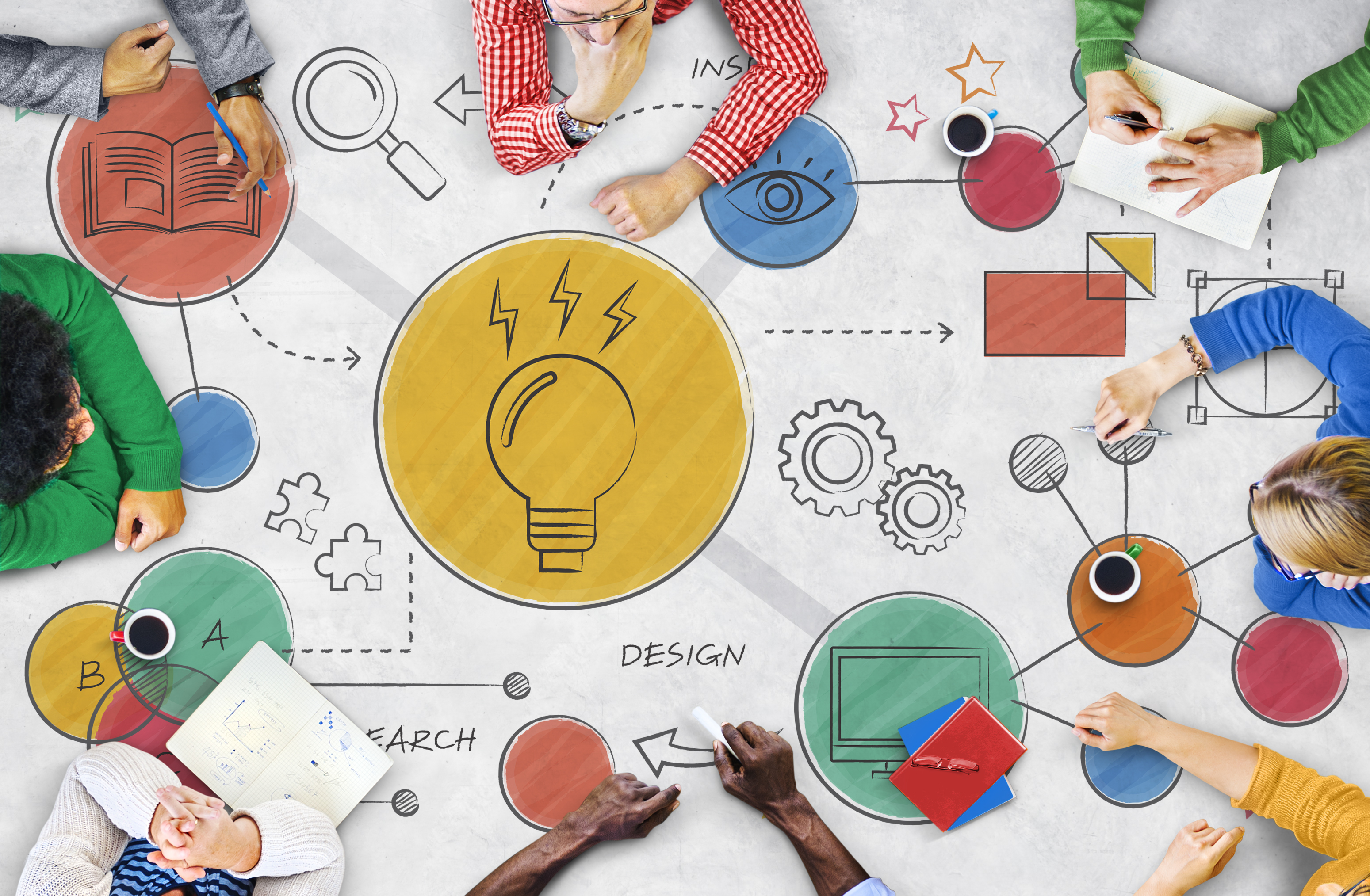
Light Bulb Ideas Creative Diagram Concept

The main culprit that restricts us from being Creative is none other than Fixedness. This refers to the cognitive bias of becoming used to our surroundings. Our Brain starts restricting us from thinking of a particular thing differently than it usually sees it as.

Being Stuck/Fixed on the problem won’t get you to the Solution.

Getting rid of Fixedness is very easy once you understand the kinds of Fixedness you go through everyday.

Functional Fixedness

Functional Fixedness is a kind of Fixedness that restricts us from finding another function of a product. We are so fixed to the function of the product/service that our Brain avoids to think of any other creative function to it. Eg. A Regular Dry Eraser marker has a function of writing on a whiteboard and can be easily erased. Apart from this function, a Dry Erase Marker can be used to erase the ink of a permanent marker by writing over it. Another well known example is the function of Lemon & Vinegar. They can also function as a cleaning agent when there is no soap available. This can be applied to various products if you try to find an alternative creative use to it.

Structural Fixedness

Structural Fixedness is based on the structure of the product that we are used to see everyday. Changing the structure can benefit a lot. Eg. A pen is always straight but curving its structure according to the motion of the hand can make the hands feel more relaxed. Another well known Example is the Bend in Toothbrushes for better motion. Becoming used to a shape restricts our Creativity. Thus structural Fixedness should be avoided

Relational Fixedness

Relational Fixedness is based on the relationship that two products have with each other. For Eg. We are used to see the relationship between beverages & a mug. A beverage is supposed to be poured in the mug but what if we change the relationship by adding color changes to the mug according to the temperature of the Beverage. When a hot beverage is poured in the mug, it changes color to Red & when a cold beverage is poured, it turns Blue.

This could be a Creative solution for someone who is used to approaching the mug without checking the temperature or for alerting that the beverage is getting cold.

Latte Coffee art on the wooden table

A Creative solution needs to be beneficial and plausible to make.

Well these are the Primary Barriers that usually keeps us away from being Creative. Try to avoid Fixedness next time when you see a common object.

I will be discussing Techniques of Creativity in my next Blog. Subscribe on my Home Page if this was helpful. You will get a notification next time when I upload any content. Thankyou

Design a site like this with WordPress.com
Get started